
Stay focused on the practice of law. JuristPay runs the entire billing operation behind your firm — invoicing, retainers, collections, and client payment workflows — so your team can spend its time on cases, not on chasing payments.
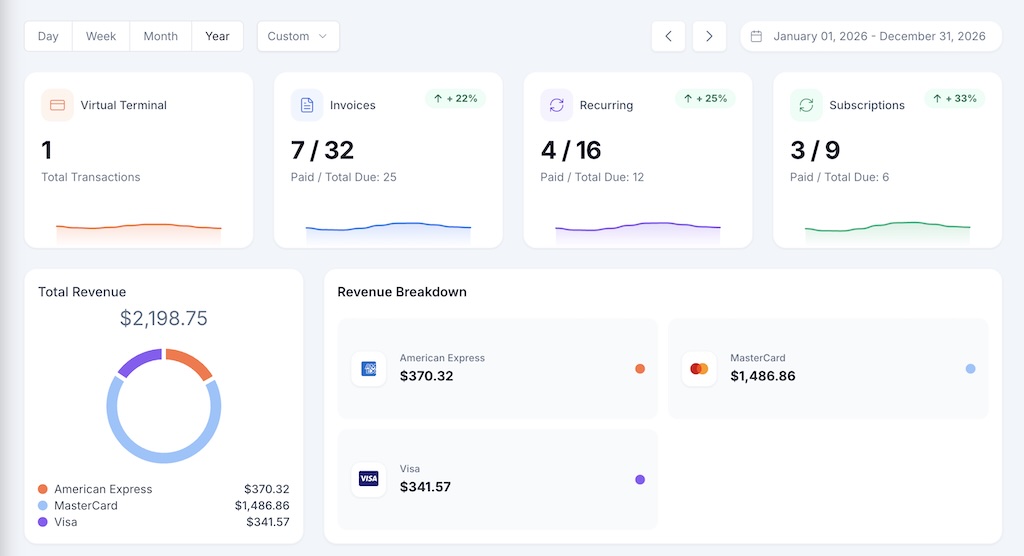
Built for legal billing
Whether you charge by the hour, on retainer, or on contingency, JuristPay has a built-in invoice type that fits.
Send a one-time invoice for a closing, document review, court appearance, or any flat-fee engagement. Itemize hours and rates. Client pays online.
Example: $2,500 closing fee
Set a fixed amount or variable balance to bill on a schedule. Perfect for monthly retainers or month-end hourly statements.
Example: $1,500/mo retainer
For ongoing legal-services packages: monthly compliance checks, on-demand contract reviews, employment-law subscriptions. Client opts in once.
Example: Compliance membership
Break a $25,000 retainer into 6 monthly payments. Or schedule a contingency recovery as a client payment plan. Every installment tracked separately.
Example: $25K retainer × 6 cuotas
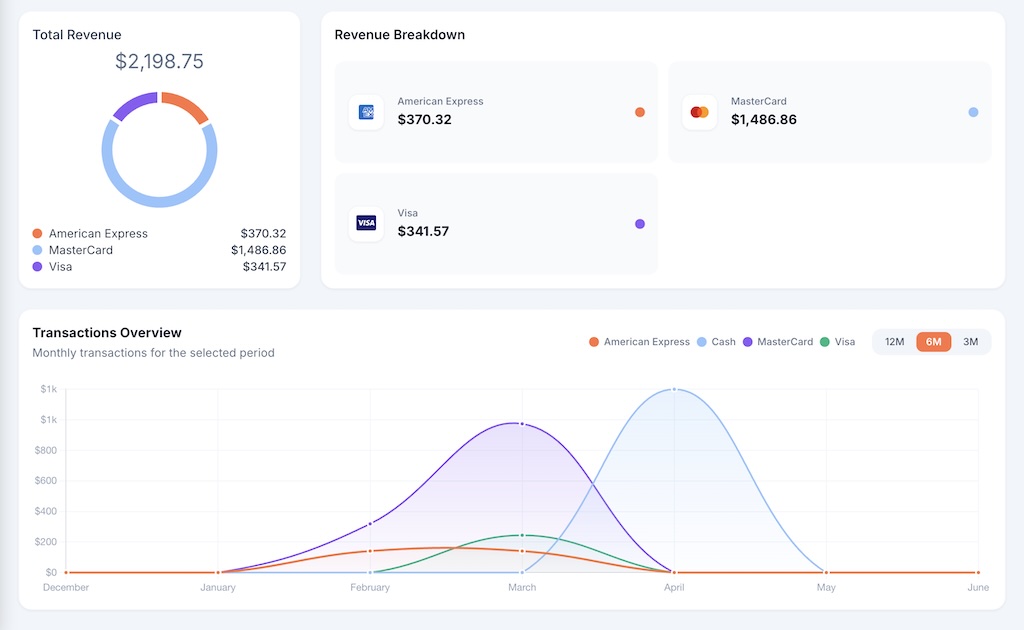
Accepting every payment method your clients use
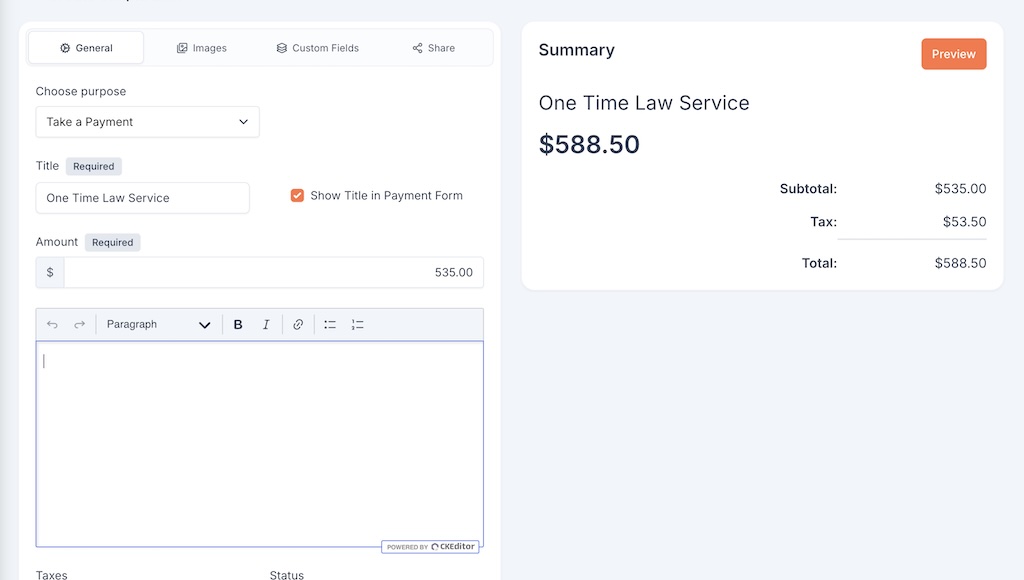
Quick collect
For the times when you don't want to build a full invoice. A consult fee, a filing fee, a quick services payment. Share by SMS, email, or paste it anywhere.
Client management
Click on a client and see their entire history in one screen — past invoices, transactions, saved payment methods, multiple contacts in the same case.
Latest invoices + transactions side-by-side
Contact info and multiple phone numbers
Add co-clients, spouses, or business partners to one case
Every invoice (all 4 types) for this client
Every payment by card, ACH, or cash
Saved payment methods for one-click rebilling
Year-end ready
No more pulling CSVs into Excel. JuristPay ships with the reports lawyers actually need at tax time, audit time, and quarterly review.
All reports exportable as PDF or CSV.
Merchant underwriting is real. Here's exactly what to expect.
Online form: business info, EIN, bank details, expected monthly volume.
Our payment processor partner runs merchant underwriting. You get a status email when approved.
Connect your bank, import your client list from CSV, configure tax rates and notifications.
Send your first invoice or payment link. Cards settle next business day, ACH in 3 business days.
FAQ
How JuristPay handles the day-to-day of running a solo practice.
Yes. Each invoice has a "type" — Once (flat fee or hourly), Recurring (monthly retainer or month-end statements), Subscription (ongoing legal-services packages), or Installment (a large retainer broken into monthly payments). You mix and match per client.
Credit card, debit card, ACH bank transfer, or cash (recorded manually). Each client gets a "Wallet" where they can save a payment method for one-click rebilling on future invoices.
Yes — Simpla Links. Create a link with an amount and title in seconds, share by SMS or email. Each link tracks clicks and payments individually so you know which channels work.
Use Installment-type invoices. Set the total amount and number of payments, define start date and frequency. JuristPay auto-bills the client's saved card or ACH for each installment, tracks status, and flags any missed payment as Past Due.
JuristPay ships with 11 built-in reports including Sales by Payment Method, Revenue by Item, Tax Reports (with tax amounts by status and due date), and Discounts Applied. All exportable to CSV/PDF.
Yes — there's a Service Fee toggle on the Virtual Terminal (percentage or fixed). Check your state and bar association rules before enabling it — practices around passing card fees to clients vary by jurisdiction.
Yes. Each client has a Members tab where you can add co-clients, spouses, business partners, or other parties. All members can see invoices tied to that client.
Application takes 10 minutes. Merchant underwriting takes 1–3 business days. Once approved, onboarding (bank link + first invoice) takes another 15 minutes. Total: typically 2–4 business days from application.
No credit card required to apply. No monthly minimum.